
STC-1000 Digital Temperature Controller
Product Overview:
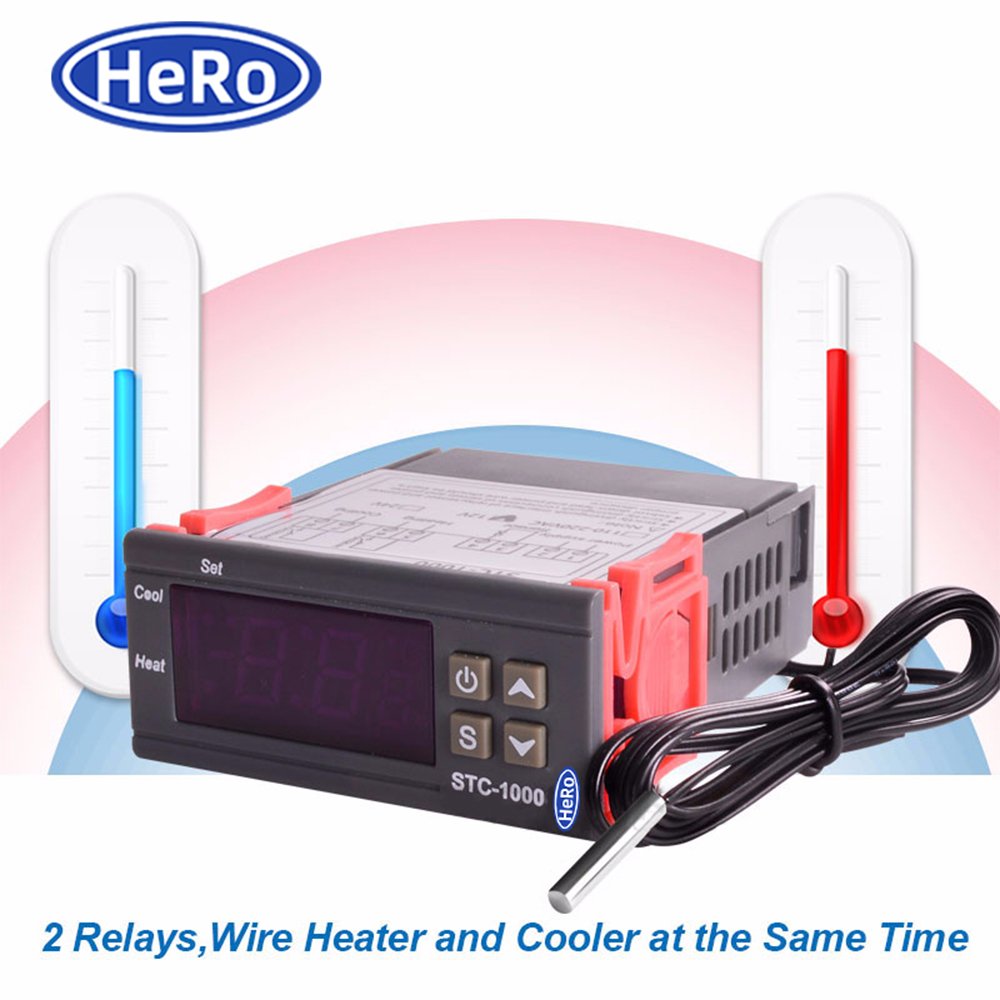
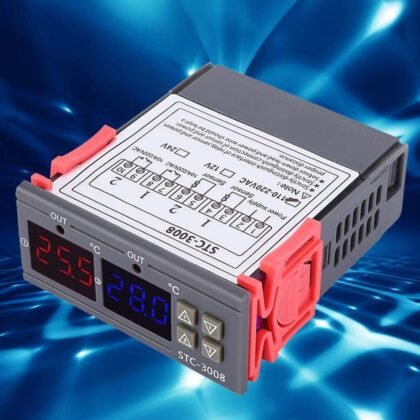
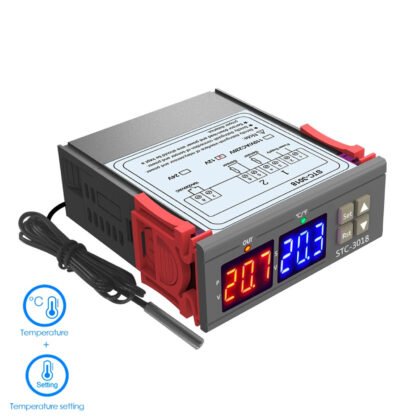
The STC-1000 Digital Temperature Controller is a compact, reliable, and versatile temperature control solution designed for both heating and cooling applications. With its precise temperature measurement capabilities and dual-relay system, it is ideal for use in greenhouses, aquariums, cold storage, fermentation systems, and other environments requiring accurate temperature regulation.
Key Features:
- 🌡️ Wide Temperature Range: Measures temperatures from -50°C to 99°C with a resolution of 0.1°C.
- 🔍 High Accuracy: ±1°C within the range of -50°C to 70°C.
- ⚡ Versatile Power Supply Options: Compatible with 110-220VAC (50/60Hz) and 12V/24V DC power sources.
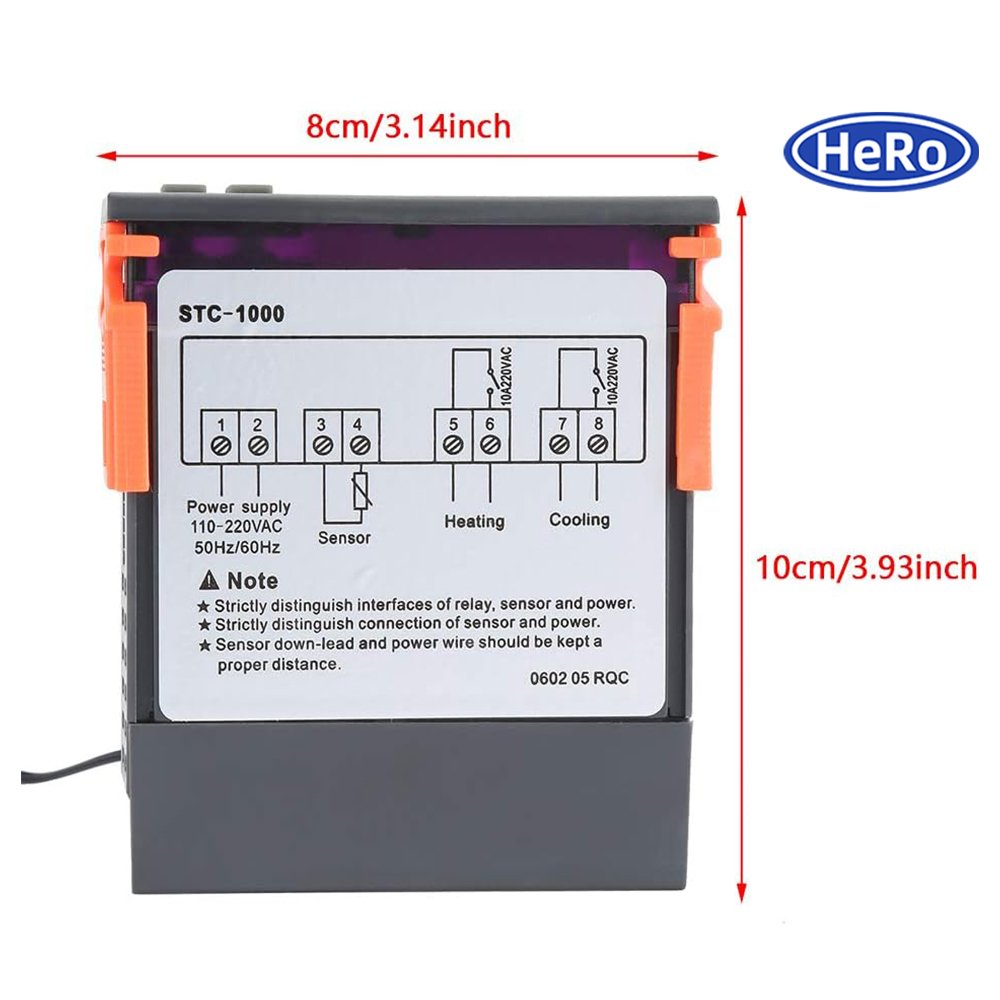
- ⚙️ Dual Relay System:
- Cooling relay capacity: 10A/250VAC
- Heating relay capacity: 10A/250VAC
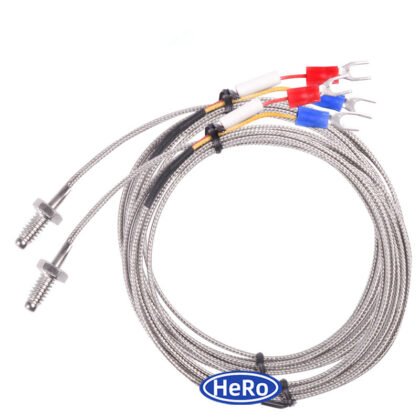
- 💧 Waterproof Sensor: Includes a 1.0m NTC waterproof temperature sensor for reliable performance in wet or humid environments.
- 🔄 Automatic Heating/Cooling Control: Automatically switches between heating and cooling modes based on the set temperature range.
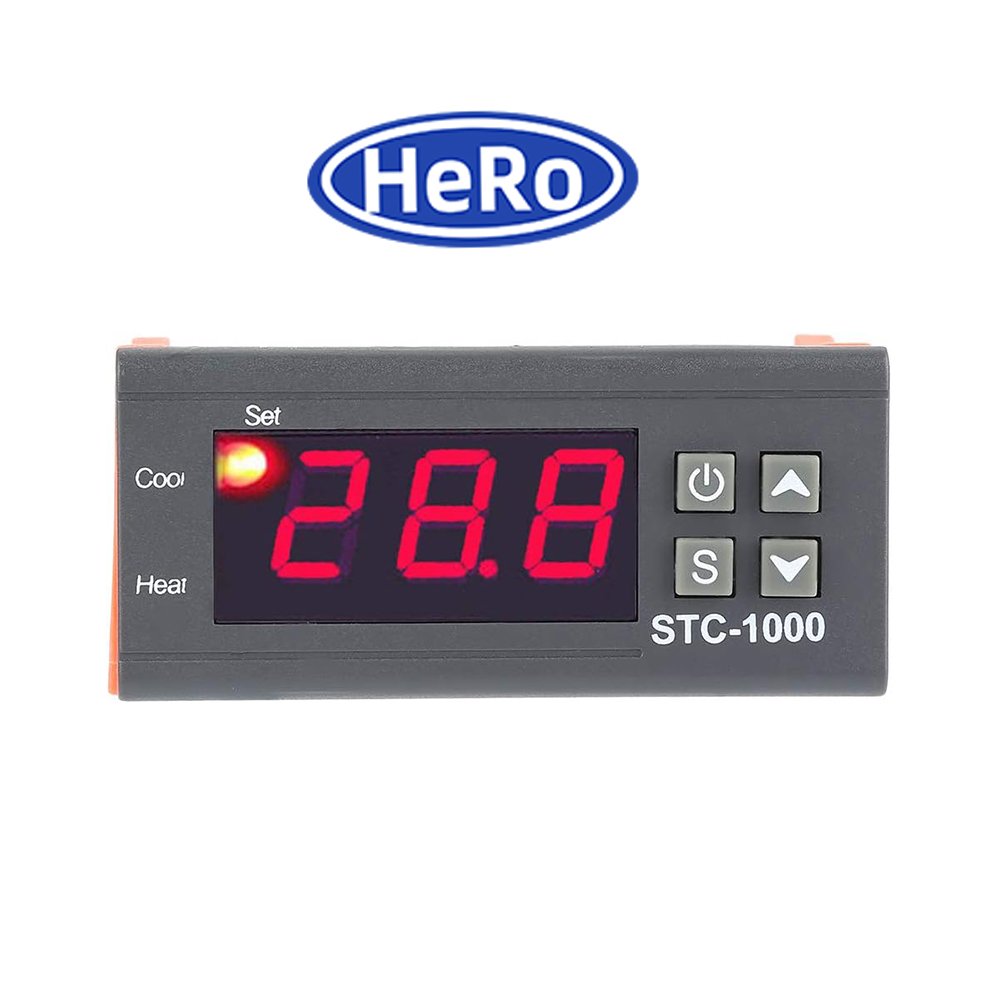
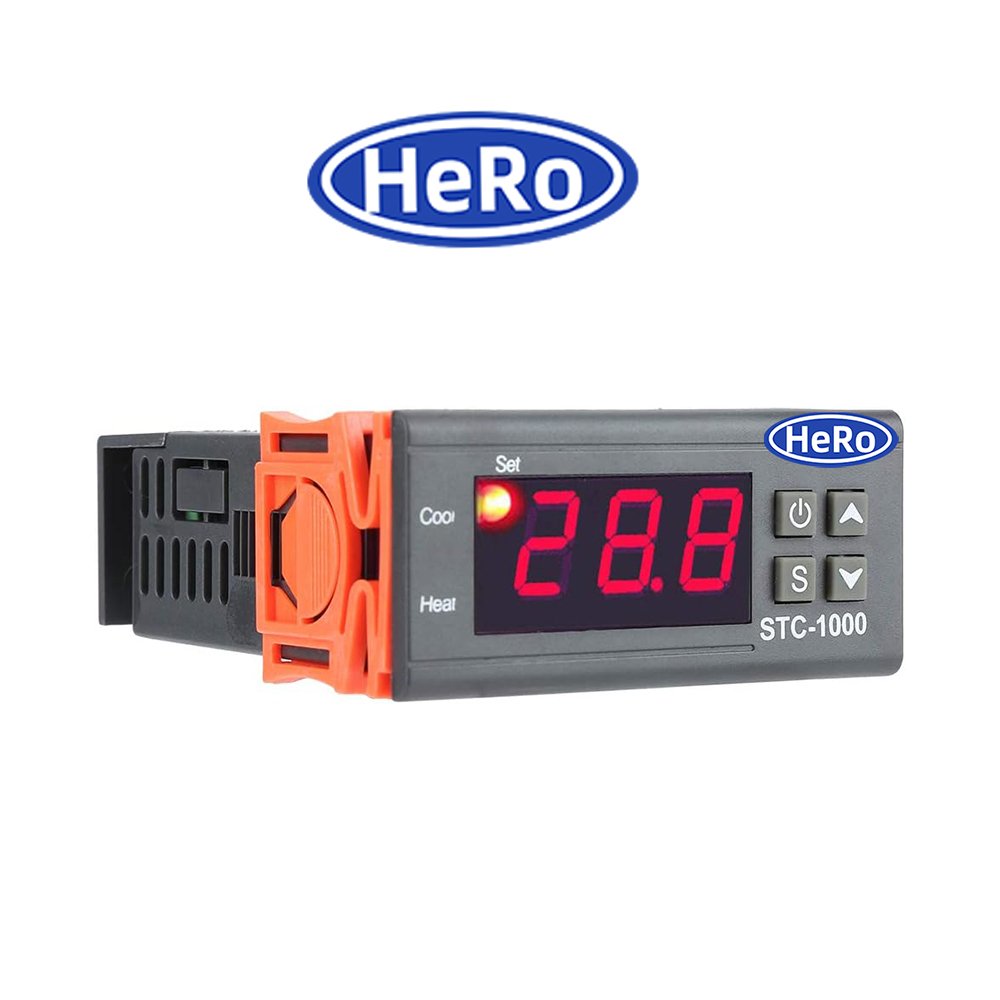
- 📦 Compact Design: Front panel size of 75×34.5mm and mounting size of 71x29mm, making it easy to install in tight spaces.
- 💡 Low Power Consumption: Consumes less than 3W, ensuring energy efficiency.
Technical Specifications:
- 🌡️ Temperature Measuring Range: -50°C to 99°C
- 📊 Resolution: 0.1°C
- 🔍 Accuracy: ±1°C (-50°C to 70°C)
- ⏳ Sensor Error Delay: 1 minute
- ⚡ Power Supply Options:
- 110-220VAC (50/60Hz)
- 12V/24V DC
- 🔋 Power Consumption: <3W
- 🌡️ Ambient Temperature: 0°C to 60°C
- 📦 Storage Temperature: -30°C to 75°C
- 💧 Relative Humidity: 20% to 85% (No condensation)
- 🔌 Relay Contact Capacity:
- Cooling: 10A/250VAC
- Heating: 10A/250VAC
- 📏 Sensor Length: 1.0m (NTC waterproof sensor)
- 📦 Front Panel Size: 75×34.5mm
- 📦 Product Size: 75×34.5x85mm
- 🔧 Mounting Size: 71x29mm
Functionality and Operation:
1. Setting Startup Temperature:
- Press the “SET” button once to display the startup temperature.
- Long press the “SET” button for about 3 seconds until the startup temperature value starts flashing.
- Use the “UP” or “DOWN” buttons to adjust the desired startup temperature.
- The system will save the setting automatically after 3 seconds.
2. Setting Stop Temperature:
- Press the “SET” button twice to display the stop temperature.
- Long press the “SET” button for about 3 seconds until the stop temperature value starts flashing.
- Use the “UP” or “DOWN” buttons to adjust the desired stop temperature.
- The system will save the setting automatically after 3 seconds.
3. Automatic Mode Conversion:
- The controller automatically switches between heating and cooling modes based on the set temperature range.
- For example:
- If the environment temperature drops below the set startup temperature, the heating relay will activate.
- If the environment temperature rises above the set stop temperature, the cooling relay will activate.
4. Sensor Error Handling:
- If the sensor detects an error or disconnects, the controller will delay its response by 1 minute before triggering an alarm or shutting down the system.
Applications:
- 🏠 Home Use: Ideal for regulating indoor temperatures in homes or offices.
- 🌱 Farms & Greenhouses: Ensures optimal growing conditions for plants and crops.
- ❄️ Cold Storage: Maintains precise temperatures for food preservation or specialized storage needs.
- 💧 Aquariums: Keeps water temperatures stable for fish and aquatic life.
- 🍺 Brewing & Fermentation: Monitors and controls fermentation temperatures for consistent results.
Package Includes:
- 1x STC-1000 Digital Temperature Controller
- 1x NTC Waterproof Temperature Sensor (1.0m length)
- 1x User Manual
Important Notes:
- ⚠️ Operating Range: Ensure the controller is used within its specified temperature range (-50°C to 99°C) for optimal performance.
- ⚡ Load Capacity: Do not exceed the maximum relay capacity of 10A/250VAC to prevent overloading the device.
- 🔍 Sensor Placement: Position the sensor carefully to avoid exposure to extreme heat, moisture, or physical damage.
- 🛡️ Safety First: Always check connections and ensure proper wiring to prevent electrical hazards.
Reviews
There are no reviews yet.